How to Prepare Your Home for a Smart Door Installation


Assess Your Current Door Setup
Before diving into the smart door installation, it's crucial to evaluate your current door setup. Check the material of your door and frame to ensure they're compatible with the smart lock's requirements. Most smart locks are designed for standard-sized doors, so measure your door's thickness and width to confirm compatibility.
Check Your Wi-Fi Signal
A reliable Wi-Fi connection is essential for a smart door's functionality. Ensure that your Wi-Fi signal reaches the door location effectively. You can test the signal strength by using a smartphone or tablet near the door. If the signal is weak, consider installing a Wi-Fi extender to boost coverage.
Gather the Necessary Tools
Having the right tools on hand can make the installation process smoother. Typically, you'll need a screwdriver, drill, and measuring tape. Some smart locks come with their own tools, so check the installation guide for specifics. Gather everything you need before starting to avoid interruptions.
Prepare the Door for Installation
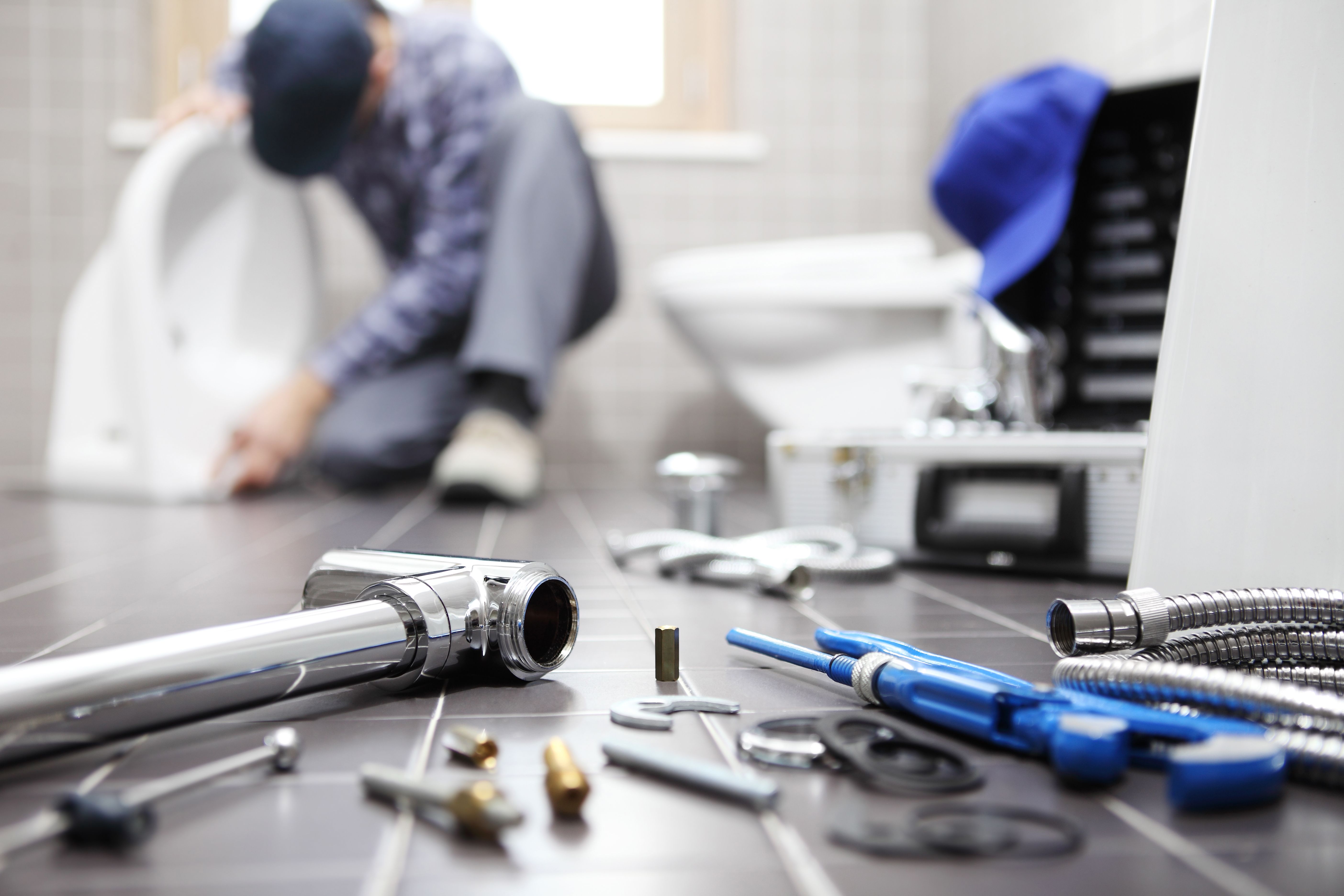
Remove the existing lock and hardware from your door. Clean the surface to ensure that the new smart lock fits snugly. Check for any structural issues, like cracks or misalignment, and address them before proceeding with the installation.
Install the Smart Lock
Follow the manufacturer's instructions carefully when installing the smart lock. Align the components correctly and double-check that everything is secure. Some smart locks require a specific app for setup, so download it beforehand for a seamless installation experience.
Test the Smart Lock
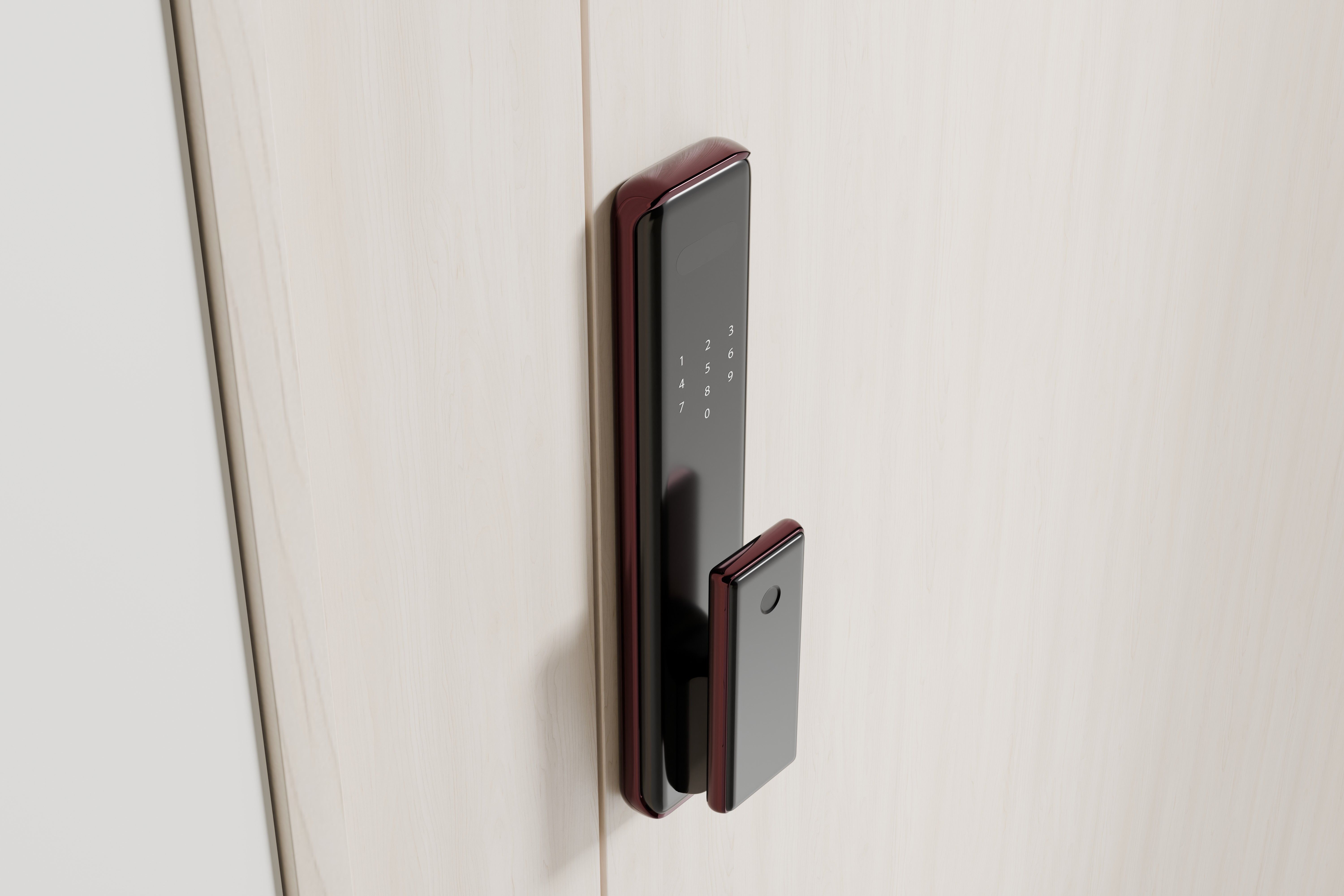
Once installed, test the smart lock to ensure it's functioning correctly. Lock and unlock the door using both the app and the physical keypad or key. Ensure that the locking mechanism operates smoothly without any hitches.
Configure Smart Features
After testing the basic functionality, explore the smart features available. Set up remote access, create user codes, and establish any automation routines you want. Customize settings to suit your security preferences and lifestyle.
Ensure Security and Privacy
Finally, review the security settings of your smart lock. Update any default passwords and ensure that your app is protected with strong authentication methods. Regularly check for firmware updates to keep your device secure and optimized.